Manage tabs in Google Chrome with the Task Manager

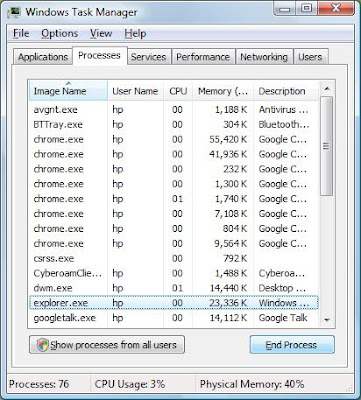
Google Chrome allows us to manage, reload or shut down each tab without affecting the rest of our browsing. All This can be done through the Task Manager. You can shutdown an unresponsible tab without affecting other tabs by just select that tab and press End Process button.
To open Google Chrome Task Manager Window
PressShift and Escape or right click on the top bar and click Task Manager.
You can also examine the memory use of the opened browsers on your computer. Open task manager and click on the ‘Stats for nerds’ link at the bottom. A new tab opens with detailed memory info for all running browsers. The second part of the page describes Chrome’s process usage stats.

Labels: Google Chrome, Task Manager, Tricks
posted by admin @ 11:29 PM
0 Comments